![LaserStar Technologoes Logo-01.png]](https://26739.fs1.hubspotusercontent-na1.net/hub/26739/hubfs/LaserStar%20Technologoes%20Logo-01.png?height=40&name=LaserStar%20Technologoes%20Logo-01.png)
If the laser uses 220VAC or three-phase power, start by checking that it is receiving the correct voltage.
Disconnect the Power Input of the Cap Charger and check with a voltmeter that
between each phase and the ground there are ~120VAC
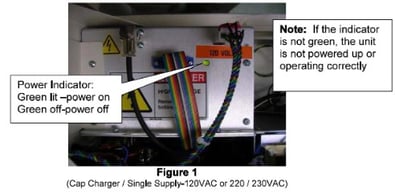
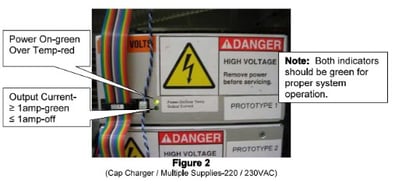
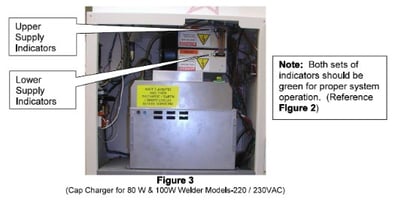
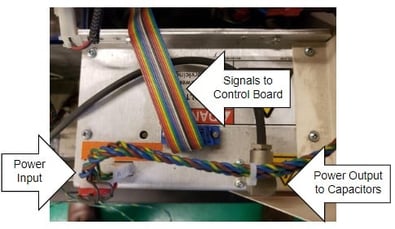
Check the rear fan in the Cap Charger. If the fan is not working, the Cap Charger
must be replaced
In the case of "CHR SUPPLY OVER TEMP", The Cap Charger has two temperature
sensors internally. When these temperature sensors are about to fail, the "CAP
CHARGER OVER TEMP" Message will appear occasionally and the laser will not
work until they cool down, and the fan at the back of the cap charger stops working.. When sensor shorts, the rear panel fuses will blow.
Was This Article Helpful?
Take our survey and let us know your feedback.
Still Need Help?
If you need our assistance with your issue, please contact our customer support team at (1) 888-LST-SRVC (578-7782). If you're looking for support outside of our regular business hours, please leave a voice message or send an email at service@laserstar.net