![LaserStar Technologoes Logo-01.png]](https://26739.fs1.hubspotusercontent-na1.net/hub/26739/hubfs/LaserStar%20Technologoes%20Logo-01.png?height=40&name=LaserStar%20Technologoes%20Logo-01.png)
Disclaimer: The Troubleshooting Kit must be used under the supervision of specialized technical personnel. LaserStar is not responsible for damage to parts, equipment, or persons who attempt to perform any of these procedures without proper supervision or technical assistance, proper tools, or the safety measures necessary for handling lasers and high- and low-voltage equipment.
The Troubleshooting Kit is a series of jumpers used in certain failures to rule out the control board as a possible source of the problem. This kit is located inside the laser. This troubleshooting kit is important for technical support. If you do not have it and it is required, laser troubleshooting cannot be completed correctly.
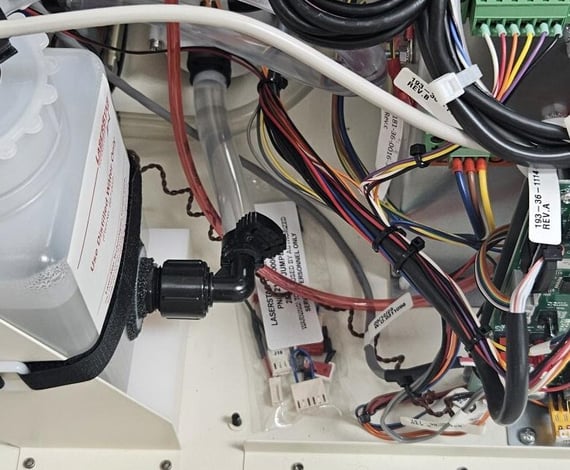
In the case of the Benchtop, it is always on the left, between the control board and the water container.
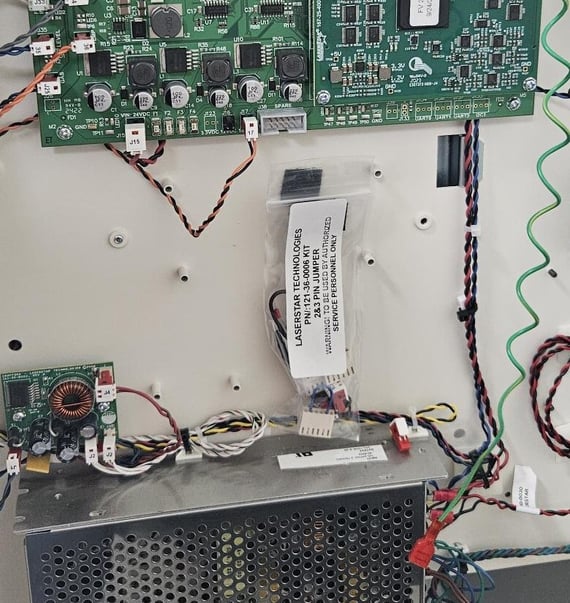
For pedestal lasers, you should look for it to the left of the laser, near the control board. On some occasions, the troubleshooting kit detaches and falls into the laser.
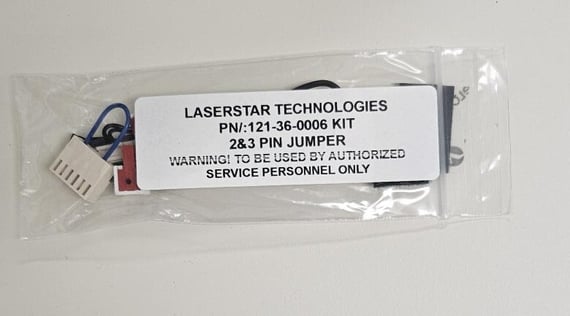
On older-generation lasers, this troubleshooting kit may not be available or included. You can order this troubleshooting kit from LaserStar, Part Number 121-36-0006
Troubleshooting Kit Contents
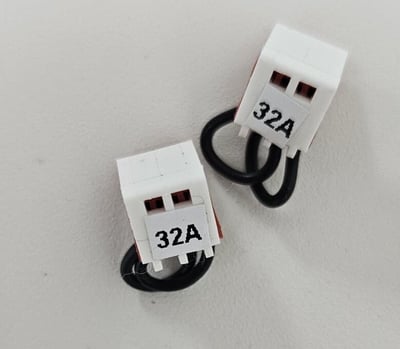
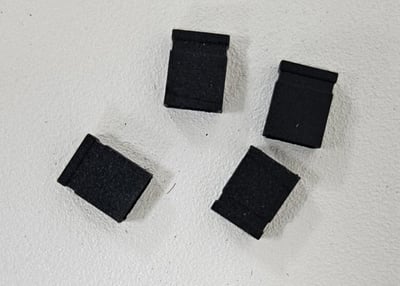
4 x 2-pin jumpers
1 x Electronic Liquid Crystal View Shutter Emulator
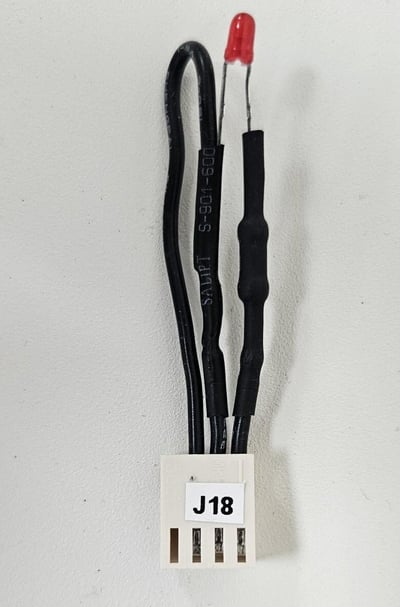
1 x Cap Discharge Signal Emulator
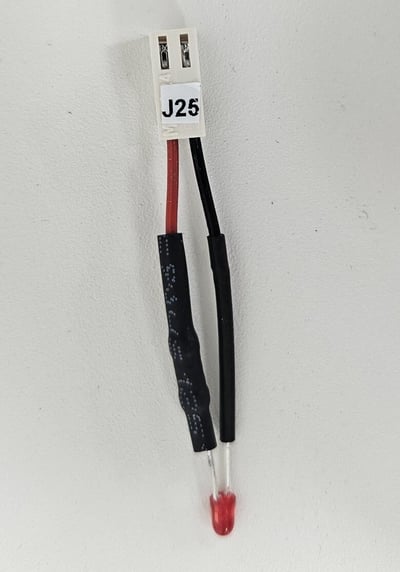
1 x 24VDC Gas Solenoid Emulator
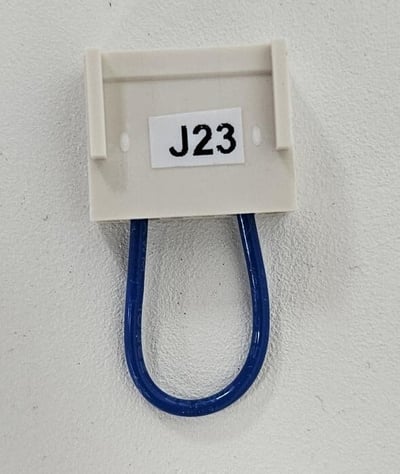
2 x Interlock 3-pin emulator